
Be productive
CRM for freelancers, entrepreneurs and small businesses
Organize your clients, opportunities and tasks in one place. If you’re still managing contacts through scattered emails, spreadsheets, WhatsApp and notes, a CRM can save you time, reduce errors and prevent lost sales.
Zoho CRM and Bigin CRM are two powerful solutions for freelancers, entrepreneurs and small businesses that want to work more efficiently without overcomplicated tools.
Quick recommendation: if you’re just starting or running a small business, try Bigin CRM. If you need more automation and advanced features, go with Zoho CRM.
Try Zoho CRM for free Try Bigin CRM for free

What is a CRM and why do you need one?
A CRM (Customer Relationship Management) system helps you manage your clients in one place: contacts, leads, proposals, deals, tasks, emails and follow-ups.
It’s especially useful if you’re working solo or running a small business and feel overwhelmed managing information across multiple tools.
A good CRM doesn’t just organize data — it helps you sell better because you always know who to contact, when to do it and what they need.
When do you need a CRM?
You need a CRM if you manage clients through email, WhatsApp or spreadsheets; forget follow-ups; lose track of deals; or want to automate repetitive tasks.

What can you achieve with Zoho CRM or Bigin CRM?
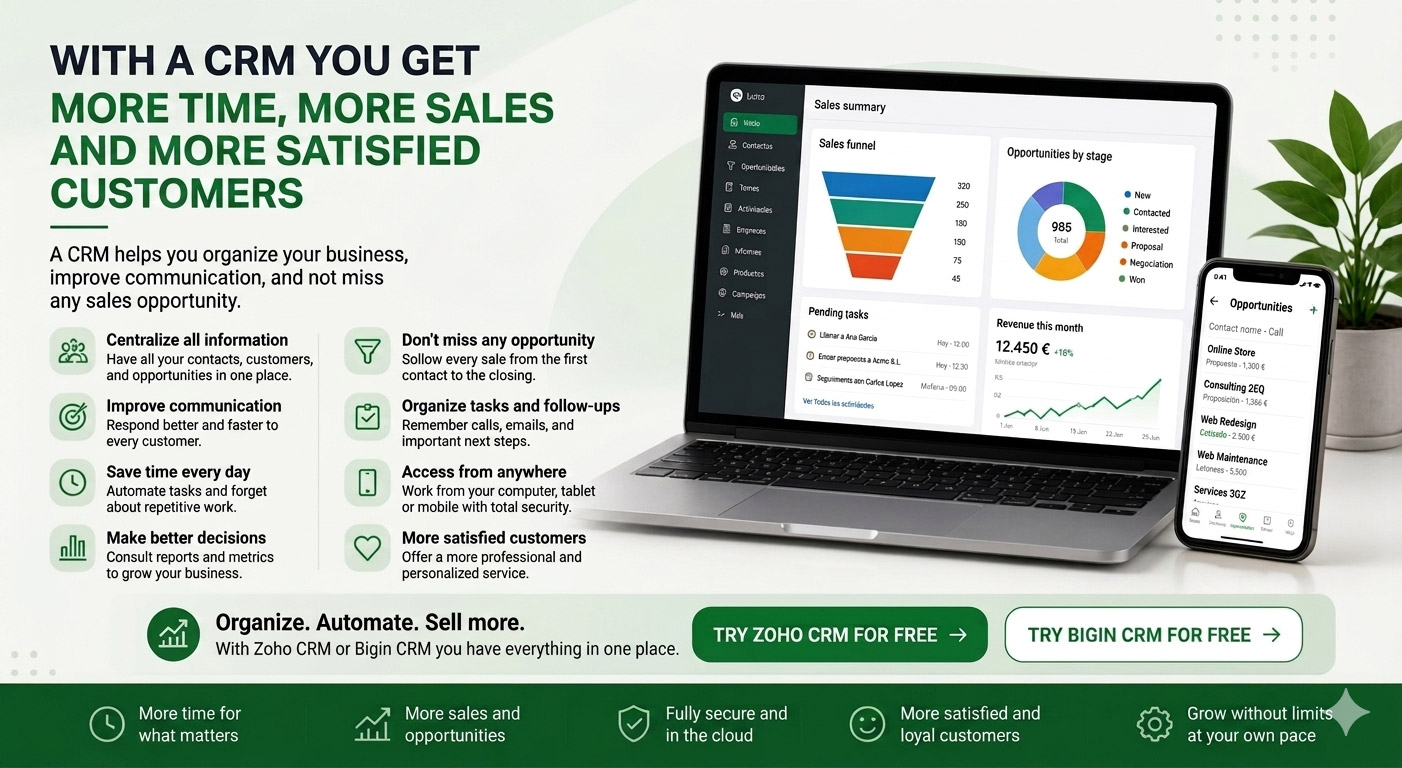
- Centralize all your client information.
- Track deals and opportunities.
- Improve communication.
- Automate repetitive tasks.
- Analyze sales performance.
- Work from anywhere.
- Avoid missed opportunities.
- Increase productivity.
Zoho CRM or Bigin CRM: which one should you choose?
Choose Bigin CRM if you want simplicity
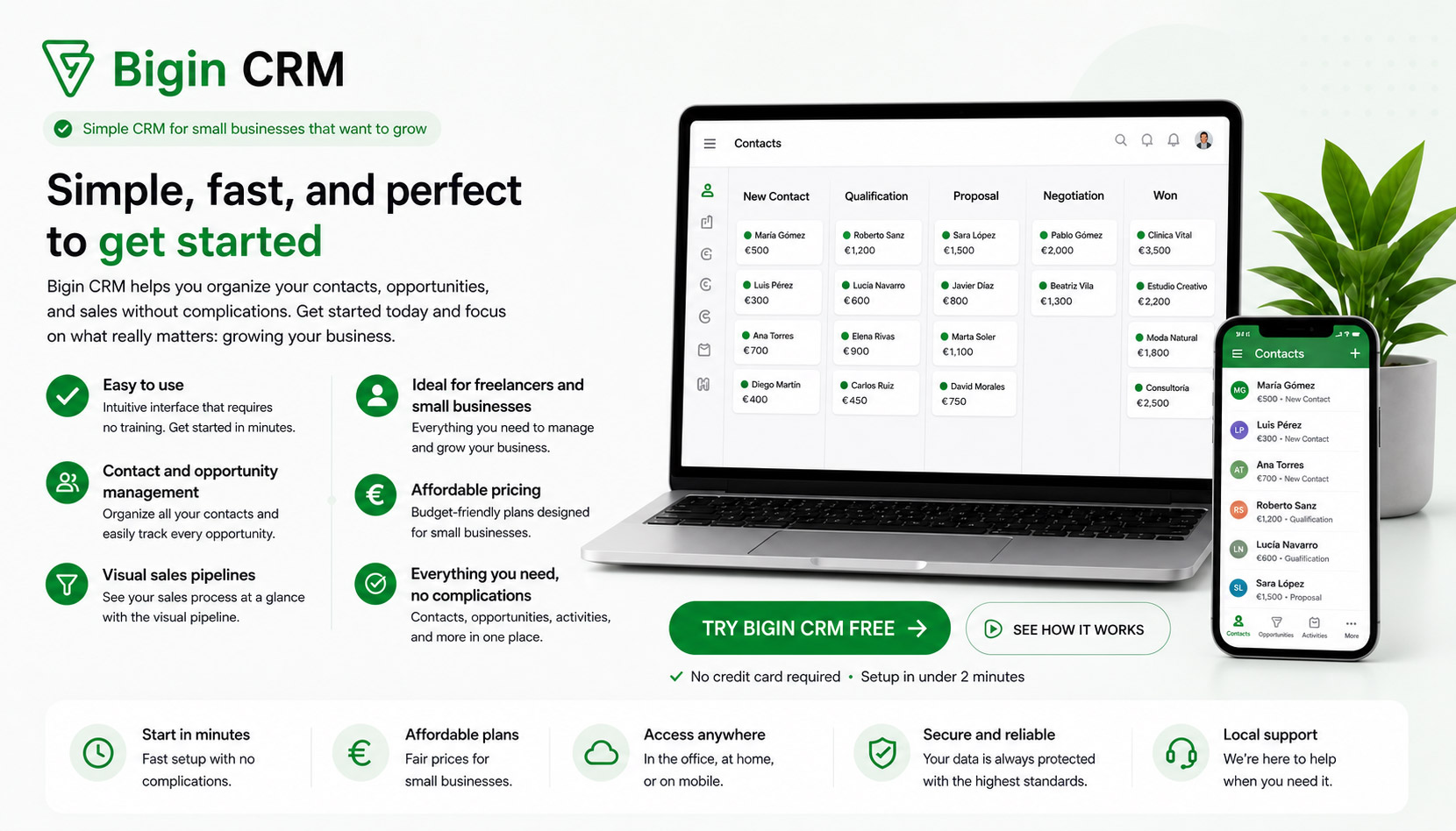
Choose Zoho CRM if you need more power

Quick comparison: Bigin CRM vs Zoho CRM

| Feature | Bigin CRM | Zoho CRM |
|---|---|---|
| Ease of use | Very easy | Moderate |
| Best for | Freelancers | Growing businesses |
| Automation | Basic | Advanced |
| Scalability | Medium | High |
How to get started

- Start with Bigin CRM.
- Import your contacts.
- Create your sales pipeline.
- Set reminders.
- Upgrade if needed.
Free CRM template

Start organizing your clients today
Beginner? Use Bigin CRM.
Need more? Use Zoho CRM.